Import your data
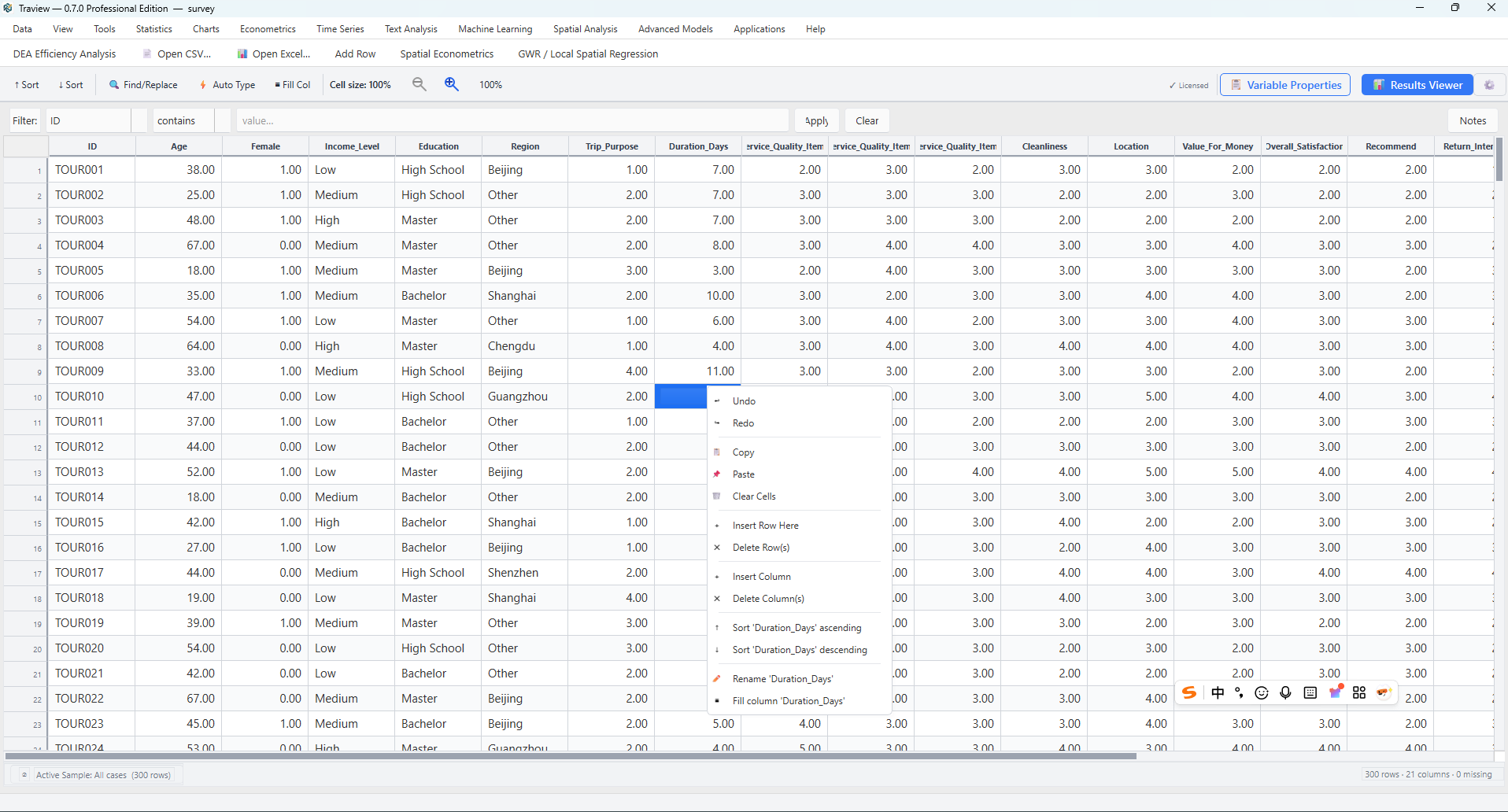
Open your dataset and check the variables before analysis.
From raw data to research findings. Explore tourism and hospitality data through statistical, econometric, spatial, and text analysis in one desktop workspace.
For research, teaching, and applied analysis.
Core workflow
Prepare the dataset, choose an analysis, review the output, and keep a record of how you got there.
Open your dataset and check the variables before analysis.
Set types and labels, handle missing values, and organize your data.
Move from descriptive analysis to econometric, spatial, text, or predictive models.
Review tables and figures together in the Results Window.
Use Syntax & Log to retain the commands and messages behind your work.
Bring your findings into documents, spreadsheets, figures, and presentations.
Workbench design
Keep the analytical process organized as your research moves across methods.
Review outputs in a shared results tree, compare analyses, and prepare tables and charts for your report.
Use Syntax & Log to inspect analysis commands and messages, revisit earlier steps, and support reproducible work.
Move between data preparation, modeling, text analysis, and maps without rebuilding your workflow in separate applications.
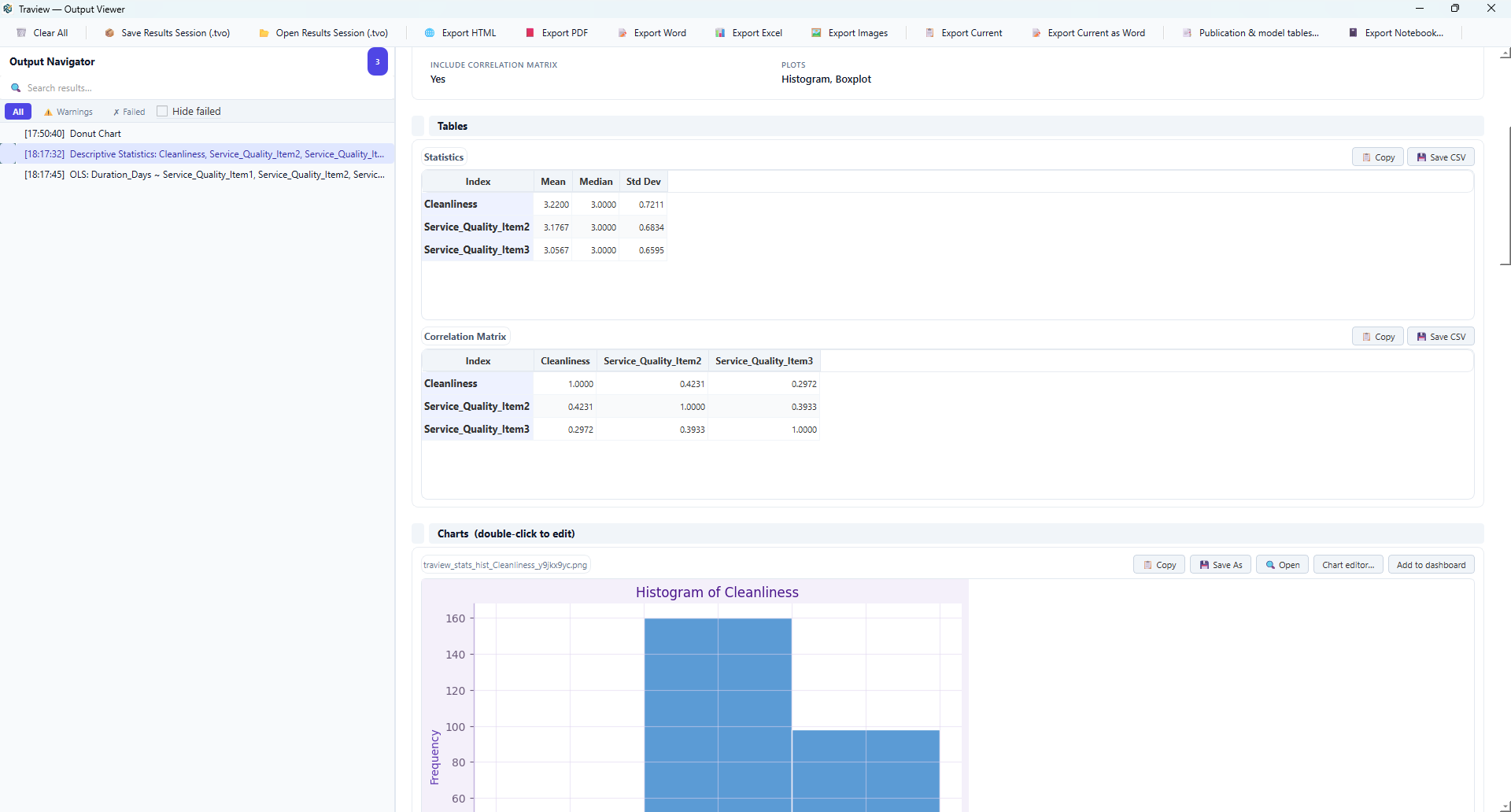
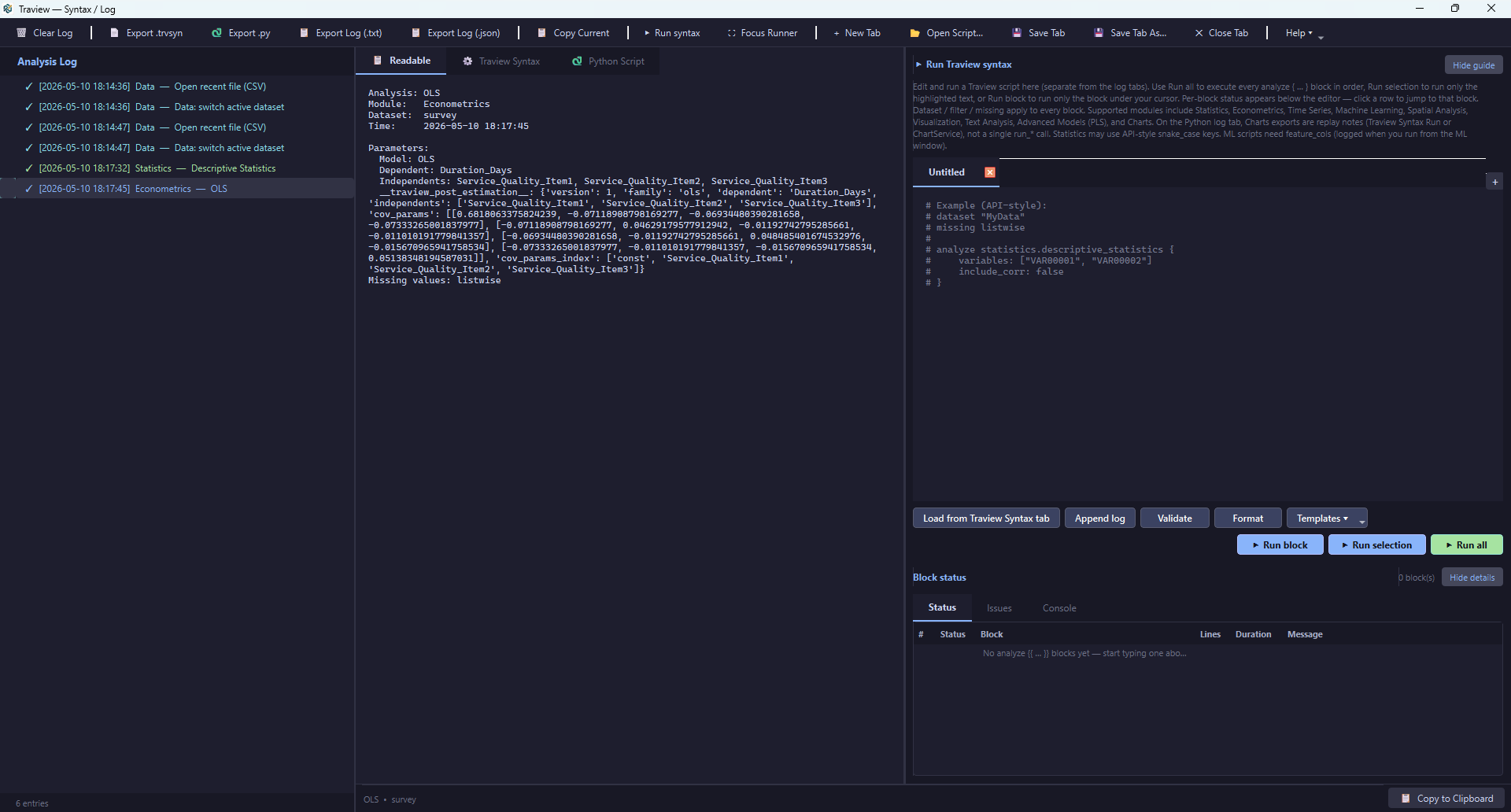
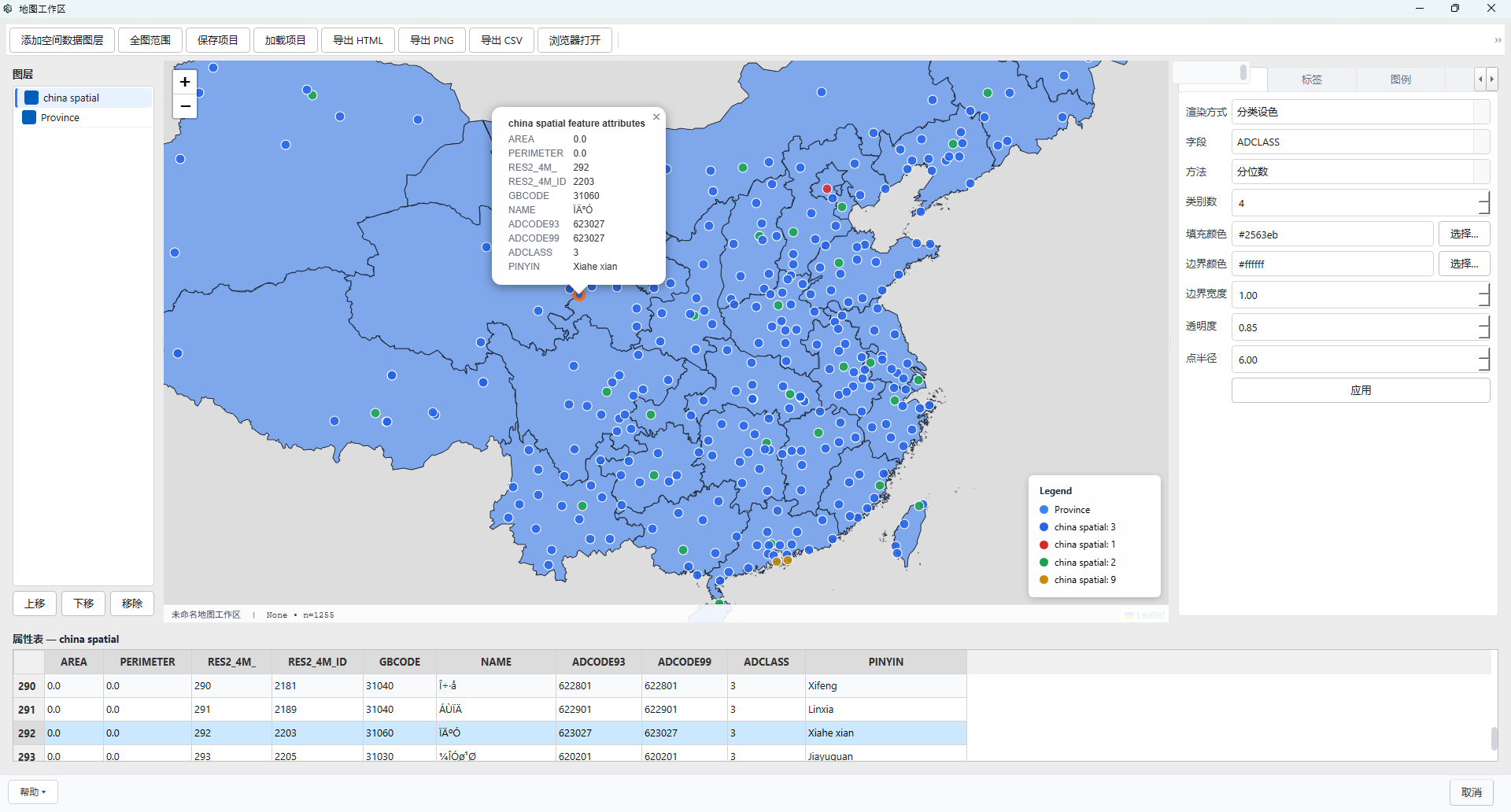
Select a screenshot to view it at full size in a new tab.
Analysis modules
Find the tools that fit your research question, from foundational statistics to specialized analytical methods.
Import, clean, merge, and define variables.
Explore moduleExplore distributions, compare groups, and test hypotheses.
Explore moduleVisualize patterns and refine figures for reporting.
Explore moduleEstimate regression, panel, discrete-choice, and causal models.
Explore moduleStudy temporal dynamics and generate forecasts.
Explore moduleExplore geographic patterns and fit spatial models.
Explore moduleExamine terms, topics, and sentiment in text.
Explore moduleBuild predictive models and evaluate their performance.
Explore moduleWork with SEM, meta-analysis, DEA, and related methods.
Explore moduleFollow guided workflows for applied analytical tasks.
Explore moduleOrganize analysis outputs and prepare exports.
Explore moduleReview scripts, execution messages, and analysis records.
Explore moduleWho it is for
Demonstrate analytical methods, practice with datasets, and develop coursework and thesis projects.
Connect research questions with analytical methods and organize outputs for interpretation and writing.
Prepare data, estimate models, and communicate findings in a structured reporting workflow.
Investigate visitor behavior, destination patterns, hotel performance, and policy questions.
Getting started
Visit the official download page for current availability, installation files, and system requirements.
Begin with the quick start guide, then explore the tutorials and individual module pages.
Traview supports teaching and method training. See academic licensing for current terms and eligibility.
Use the support page or email info@traview.io.
Start with your next research question
Explore Traview and follow the documentation to build your first end-to-end workflow.