
Instruction for installation of Ubuntu 24.04
Requirements:
Intel NUC 11 i7
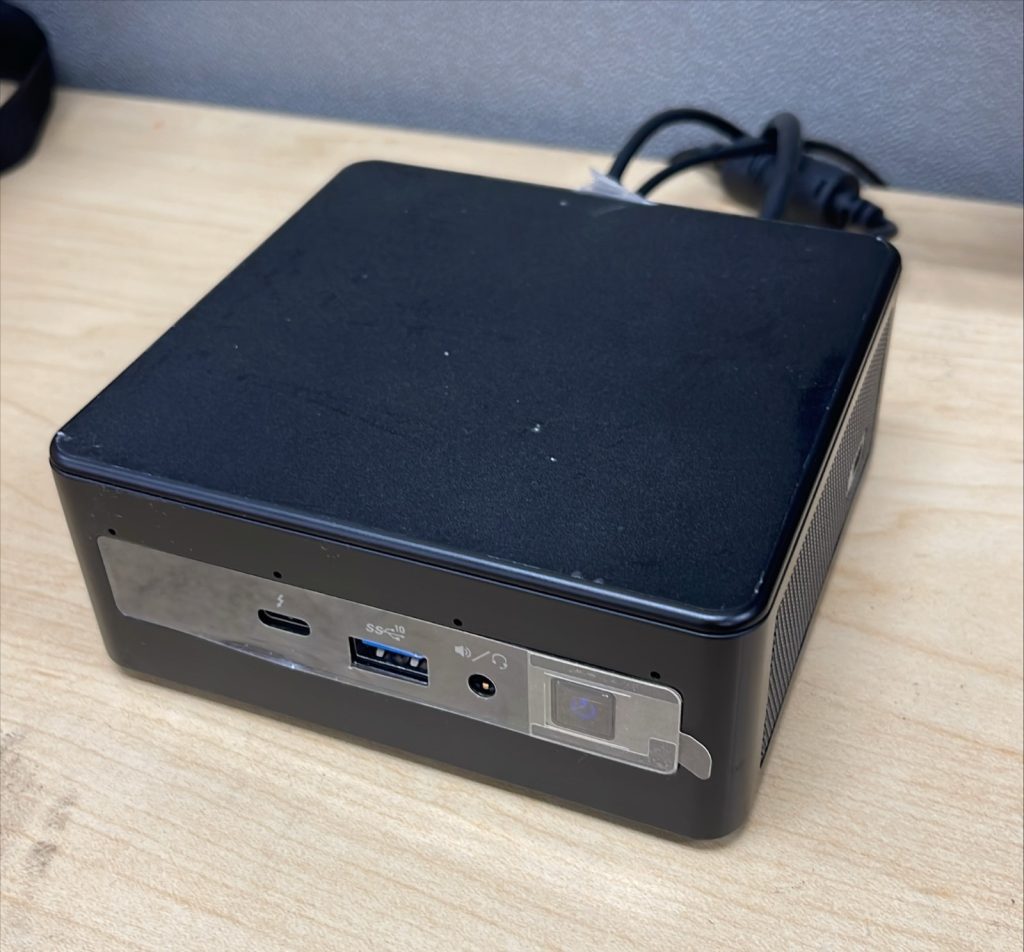
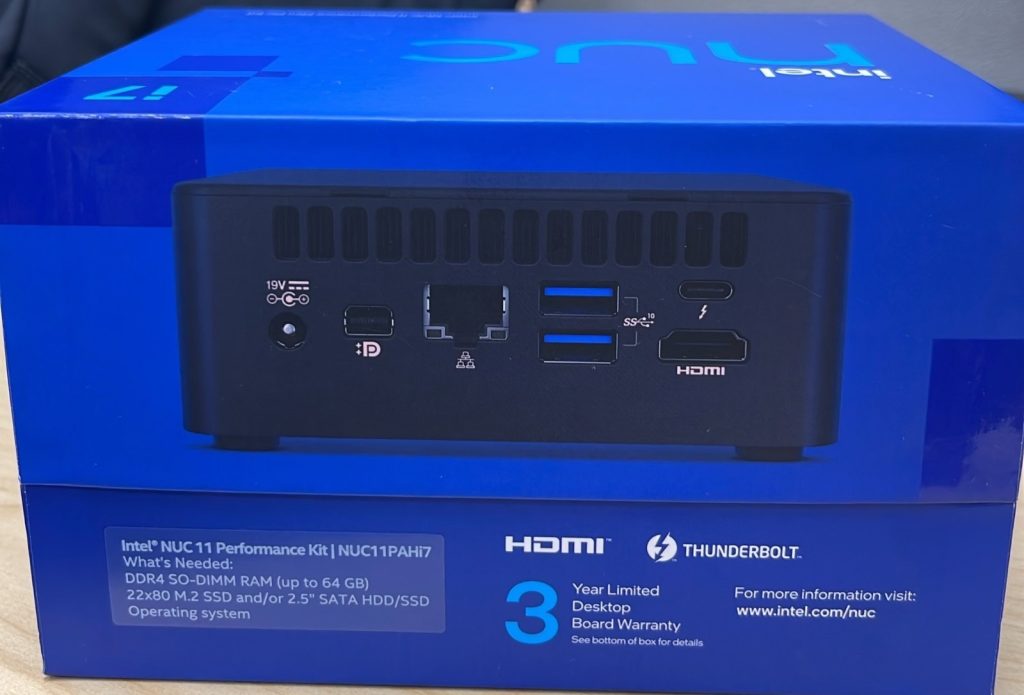
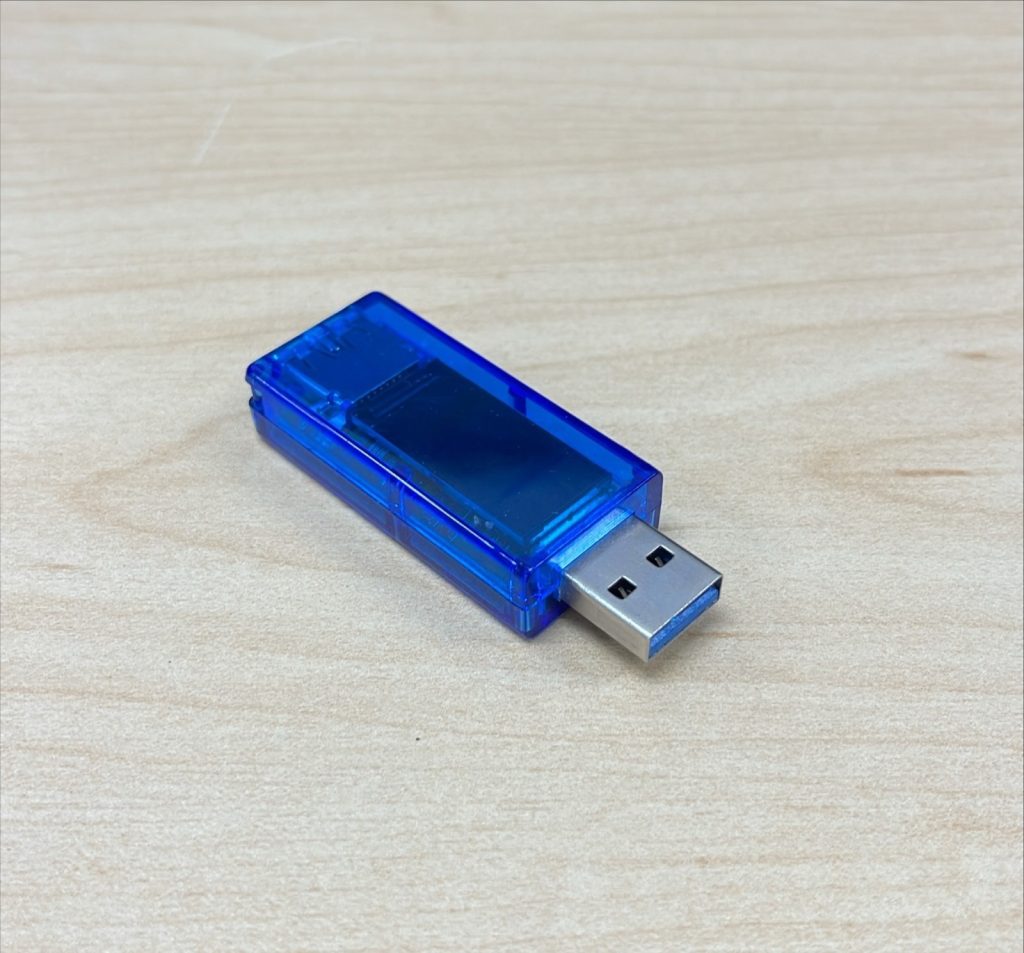
Any USB flash drive (3.0, 16GB min)
balenaEtcher

Ubuntu 24.04 Noble (Desktop Version)
**Before installation, any computer other than the NUC is required to flash the USB drive through balenaEtcher**
Instructions
STEP 1 (Installing Etcher): Using another computer, go to balenaEtcher website to download software. Choose correct version based on computer used.

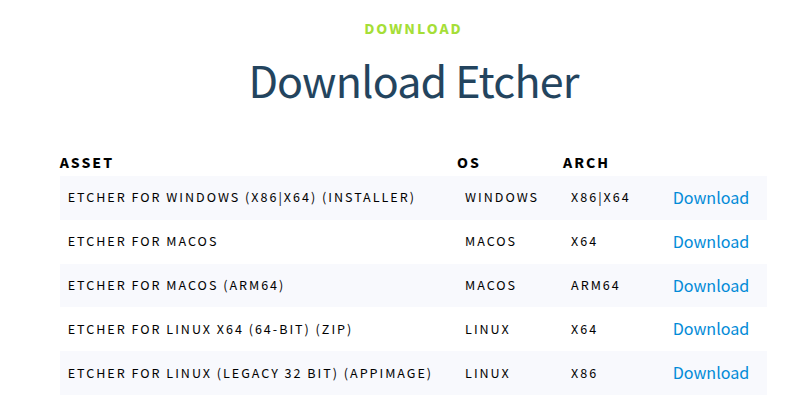
After downloading the correct version of balenaEtcher, open the software and should have ready to flash any file as shown below:
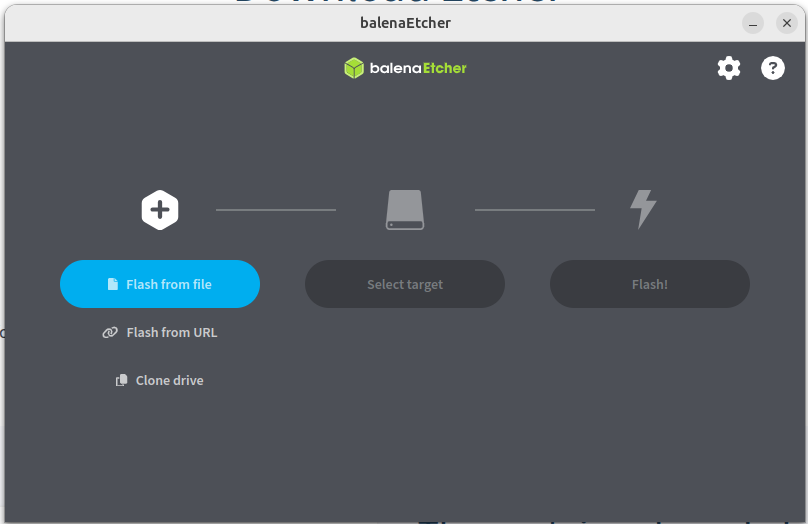
This will be used to flash our USB drive with Ubuntu on it.
STEP 2 (Installing Ubuntu 24.04): Go to Ubuntu website and look for Ubuntu Desktop in the top section under Products
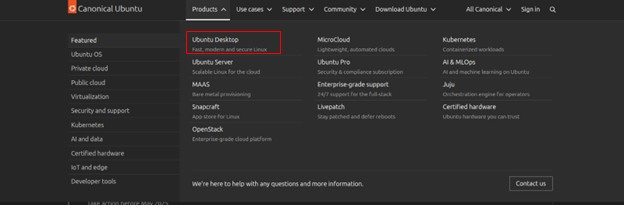
Select ‘Download Ubuntu Desktop’. This will be downloading in the meantime.
STEP 3 (Flashing Ubuntu on Etcher): Open up balenaEtcher and plug in flash drive. Select flash from file. This will open the files window. Select downloaded Ubuntu.
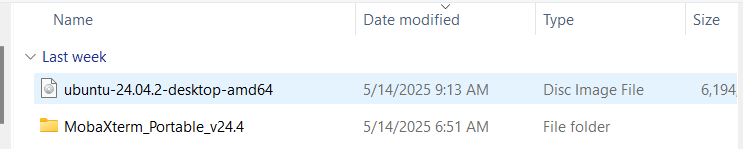
After selecting Ubuntu as the Flash file, select the USB drive as target file and flash the file on to the USB.
When prompted, remove flash drive. This will have Ubuntu ready to be loaded onto NUC.
STEP 4 (Loading Ubuntu on NUC): Plug flashed USB into the NUC. Turn on NUC. When loading, press either F2 or F10 to load boot options. Select the USB drive plugged in when asked where to boot up from.
An option of Try or Install Ubuntu will pop up. Select this option.

This will load up Ubuntu 24.04 and will ask you to setup through the welcome guide.
STEP 5 (Installing Ubuntu on NUC): In the welcome guide, there will be basic settings for the user to select.
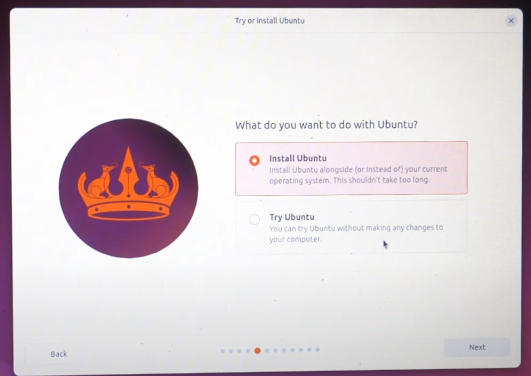
At install or try Ubuntu portion, select install Ubuntu:
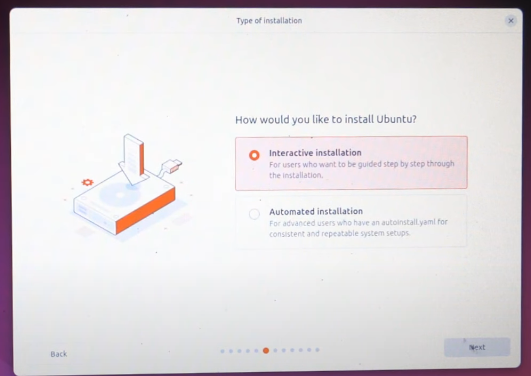
Following that, select Interactive Installation. Then choose default selection for apps on device.
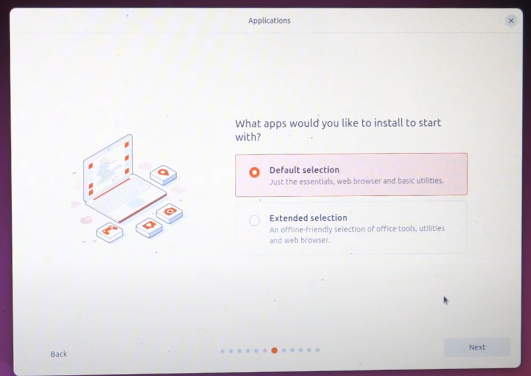
When asked how you want to install Ubuntu, select to install Ubuntu 24.04. If there is a previous operating system on the NUC, select erase disk and install Ubuntu 24.04.
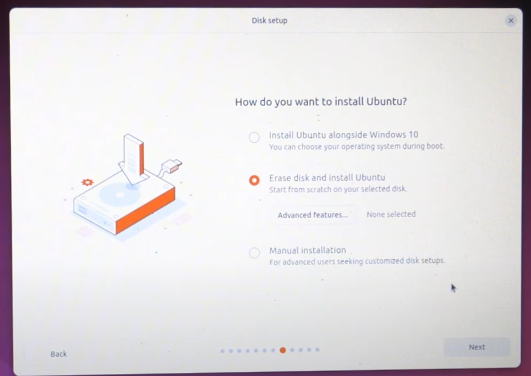
If asked, select the hard drive desired to install Ubuntu on.
Before installation, it will ask to create an account for Ubuntu. Fill out the information and installation will begin.
Once the system is installed, restart when prompted.