
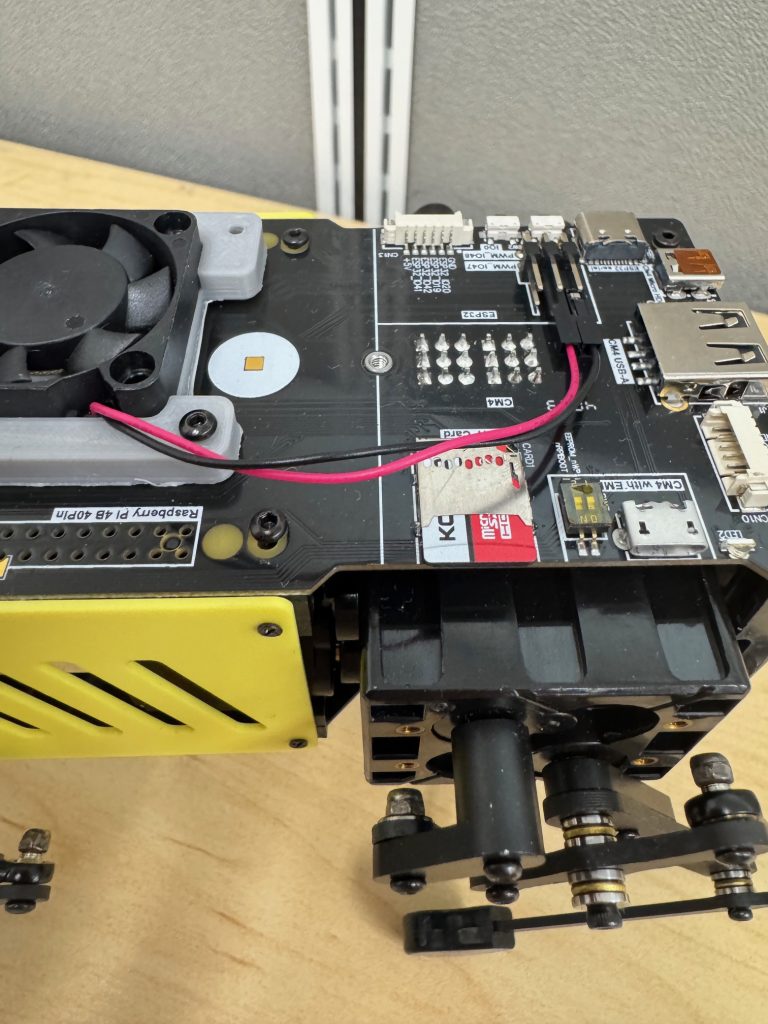
- Put the micro-SD into the MiniPupper.
- Plug the adapter, set to 7.5V, into an outlet.
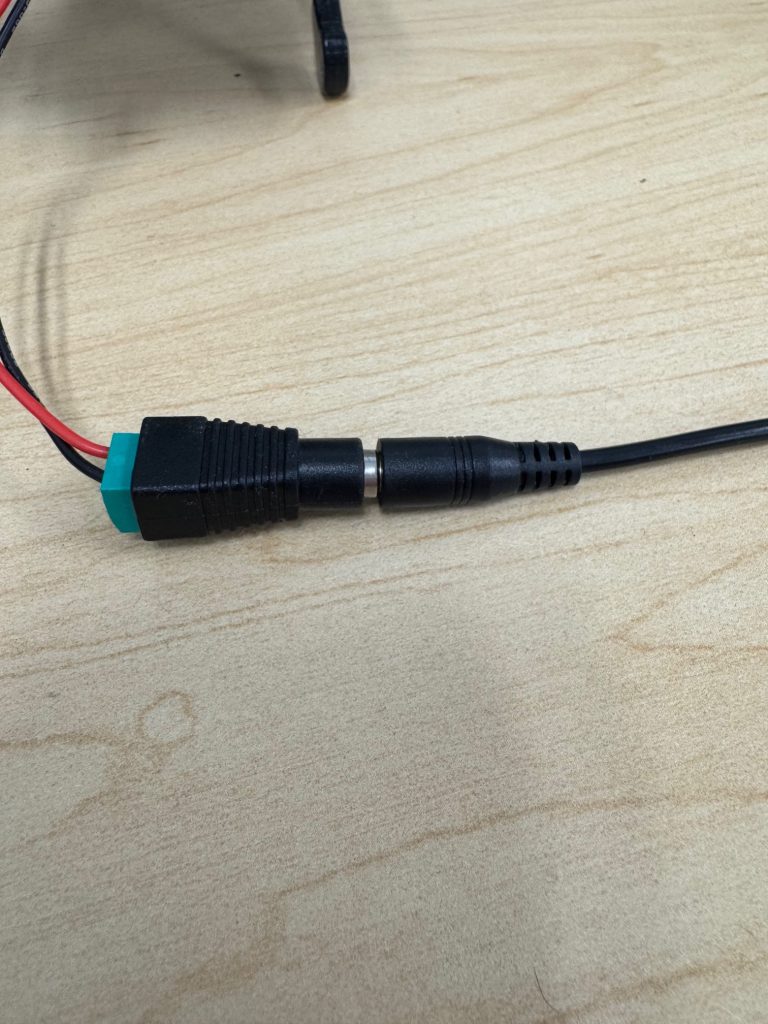
- Connect the adapter to the plug, as shown:
- The MiniPupper will turn on and bark, and the screen will flash. Once this happens, disconnect then reconnect the adapter to the plug.
- Now the MiniPupper’s screen should display its IP and the network you connected it to. Connect your computer to the same network as the MiniPupper.
- To get to Jupyter, open a web browser and type the IP shown on the MiniPupper followed by port 8888 (e.g., “1.2.3.4:8888”). This will take you to a page where you can view and edit the MiniPupper’s code.
- To get to the control panel, use port 8080 instead (e.g., “1.2.3.4:8080”).