How Can We Help?
Transcribe audio with free and open-source software on Windows
Whisper.cpp is a program for speech recognition. It can be used for transcribing speech from audio or videos into text. While online services may charge a fee for transcriptions, Whisper.cpp is a free and open-source program that runs on your own computer.
Using a graphical user interface (Vibe)
Vibe is a graphical user interface (GUI) program to make it easier to use Whisper.cpp, which lacks a GUI of its own.
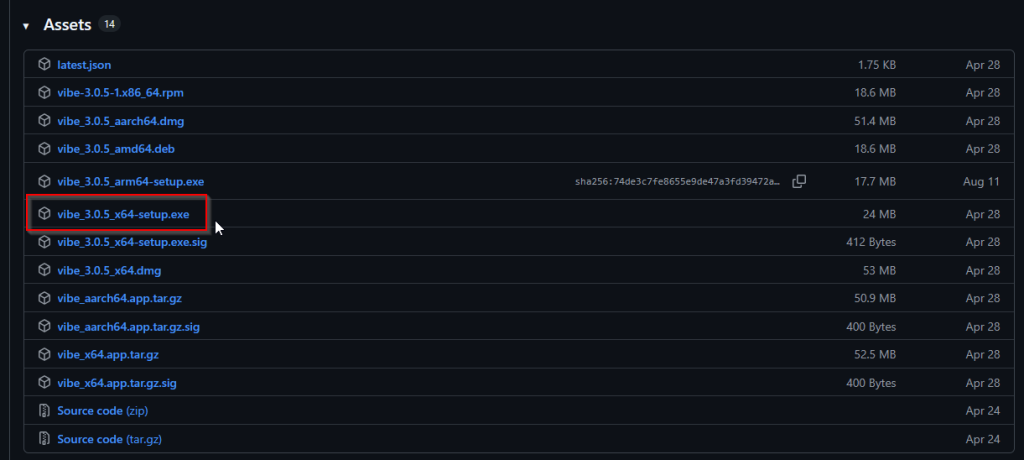
- Download and run the latest Vibe installer (for Windows, it will be
vibe_#.#.#_x64-setup.exe). - Launch the program
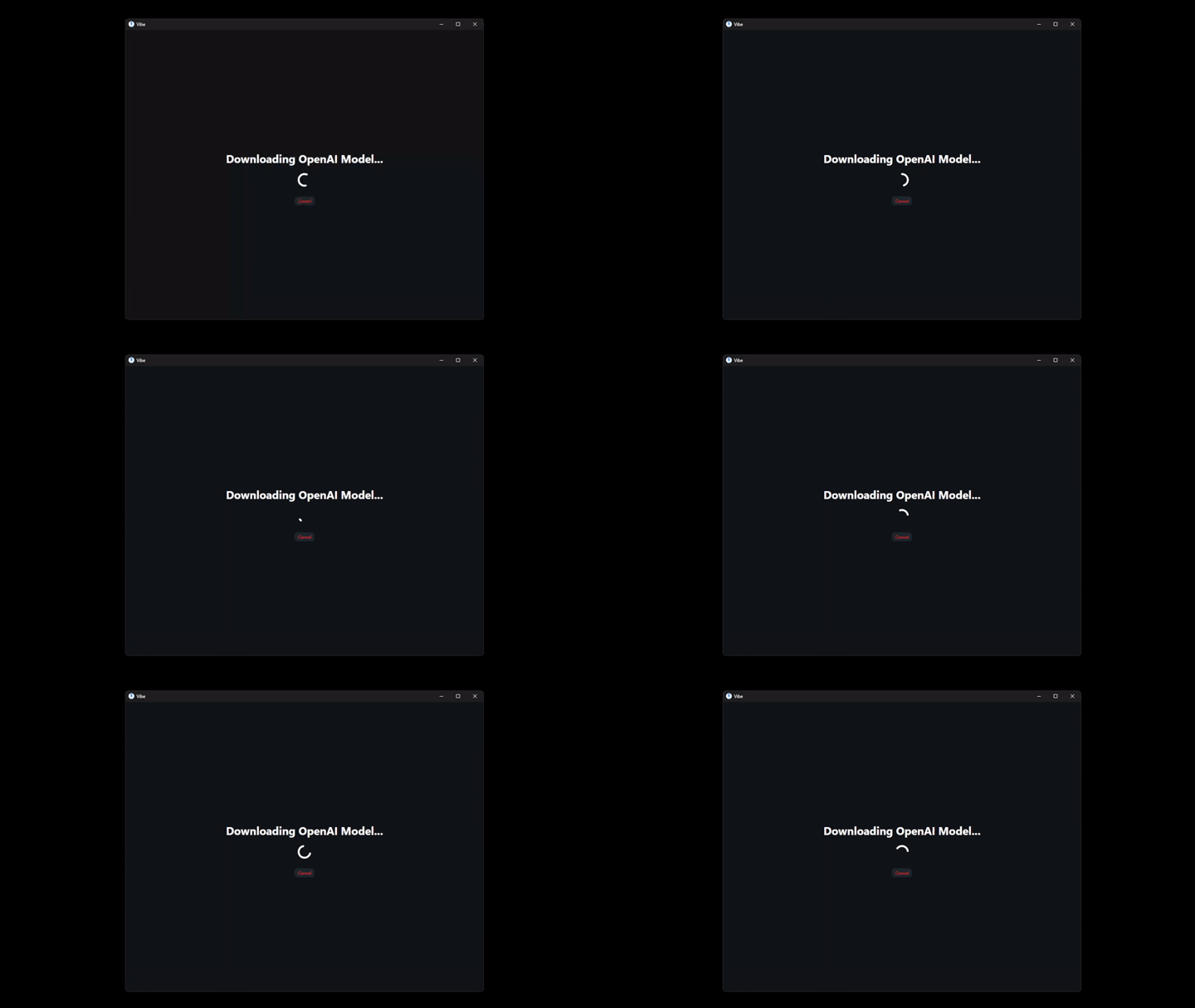
- Wait for Vibe to download the base model
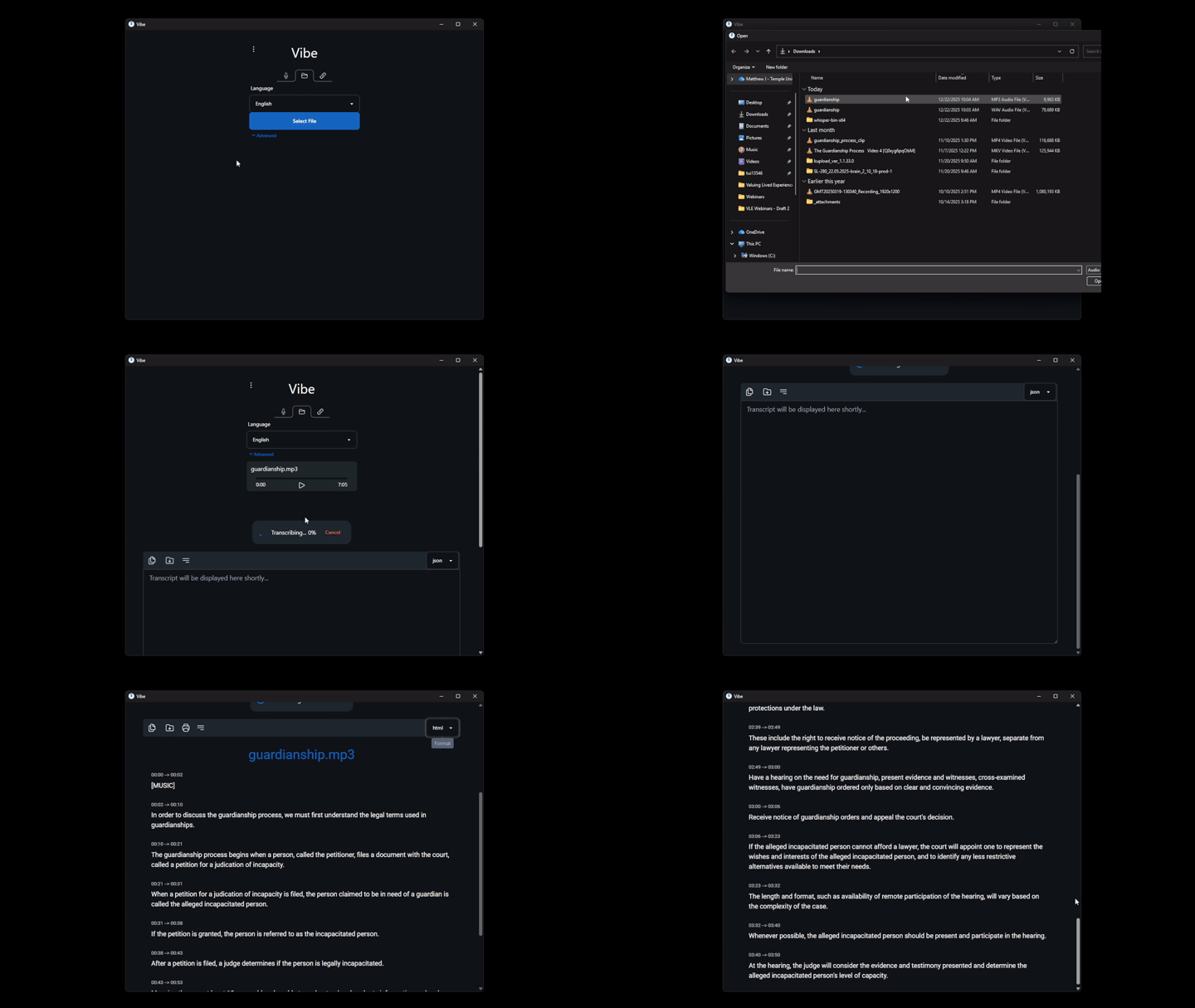
- Click “Select file”, then click “Transcribe”
- Choose your preferred output format and save the file.
Using the command line (whisper-cli.exe)
- Download the Whisper.cpp release archive (
whisper-bin-x64.zip) - Download the speech recognition model (
ggml-base.en.bin) from Hugging Face - Extract the contents of
whisper-bin-x64.zipand navigate to the “Release” sub-folder - Create a folder called “models” within the “Release” folder
- Move the
ggml-base.en.binmodel you downloaded in step 2 to the “models” subfolder. - Open a terminal
- Navigate to the “Release” folder and execute
./whisper-cli.exe input.wav, whereinput.wavis the audio file you want to transcribe.