How Can We Help?
Enable Multi-Factor Authentication with Duo
Multi-factor authentication (MFA) is an extra layer of security over your AccessNet account. Temple requires you to enable MFA on a specified device to log in to TUPortal and other Temple systems.
Enable MFA
- Select Self-Service Banner from the TUportal quick links
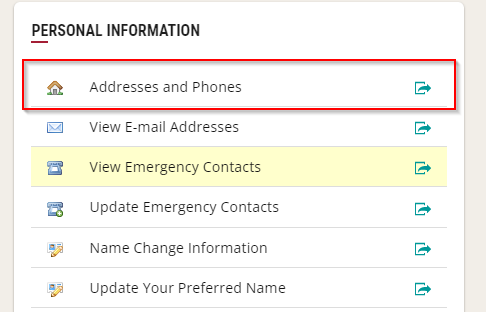
- Select Addresses and Phones under the Personal Information heading.
- Select Manage under the phone you want to enroll in MFA.
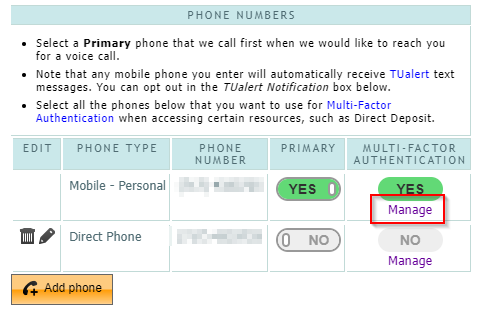
- Toggle the switch next to your device’s title or select “Reinstall Duo App”
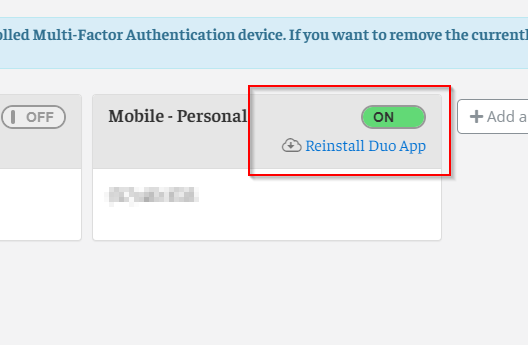
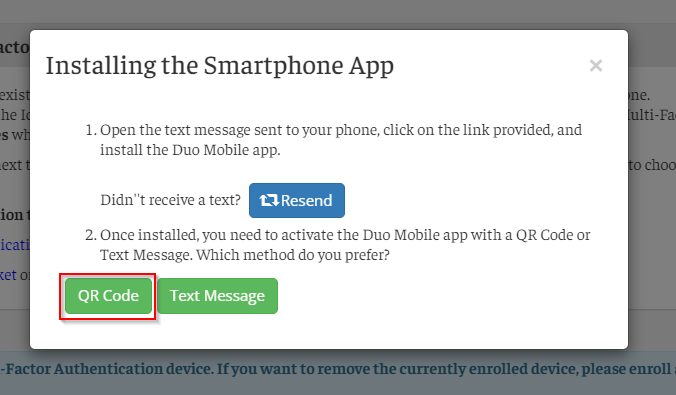
- Authenticate with TUPortal to continue. Select Yes to receive a text message to the selected device with a link to install Duo Mobile
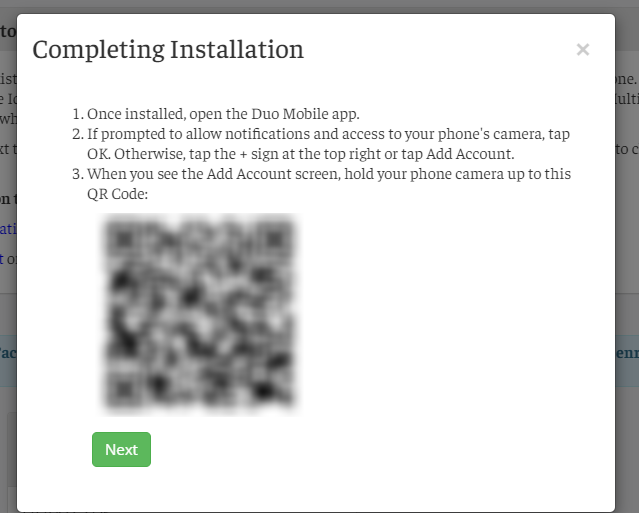
- Once you have installed Duo Mobile on your device, select Add Account, the Use QR Code
- On the TUPortal webpage, select QR Code and scan the QR code with the Duo Mobile app.