How Can We Help?
Changing TUAlert Settings
Devices registered in TUPortal are automatically enrolled in TUAlerts. TUAlert is an opt-out system.
Change TUAlert enrollment status
- From TUPortal, go to Staff Tools
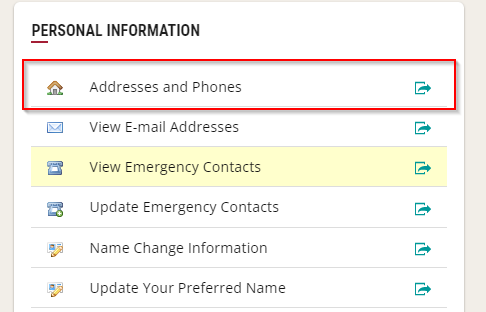
- Go to Addresses and Phones under the Personal Information heading
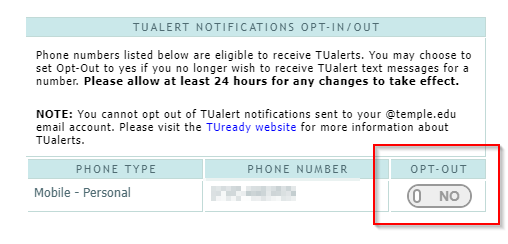
- Toggle the OPT-OUT switch next to your device to enroll or disenroll it from TUAlerts.